
PayPal Goods and Services Fee 2026: Calculator, Rates & Protection Rules
How much does PayPal take for Goods and Services in 2026? Standard 2.99% + $0.49 rates, Friends & Family vs Goods & Services differences, 1099-K tax rules, and the exact reverse fee formula.

Whether you are a freelance consultant invoicing clients, an artist selling digital commissions, or a secondhand seller on Reddit (r/hardwareswap), Facebook Marketplace, or Discogs, PayPal Goods and Services (G&S) is the undisputed global standard for secure peer-to-peer commerce.
Yet every week, sellers are blindsided by unexpected deductions:
- You sell a $150 item, and $4.98 disappears before reaching your bank.
- You invoice an international client for $1,000, and cross-border currency spreads eat over $55.00.
- You refund an unhappy buyer, only to realize that PayPal permanently keeps the original transaction fee.
To protect your profit margins and quote prices with 100% accuracy, you need to know the exact 2026 rate schedules, how Seller Protection actually works, and how to use the reverse fee formula to receive the exact dollar amount you earned.
Use our live interactive calculator below to audit any transaction instantly.
2026 PayPal Fee Schedule: Complete Rate Breakdown#
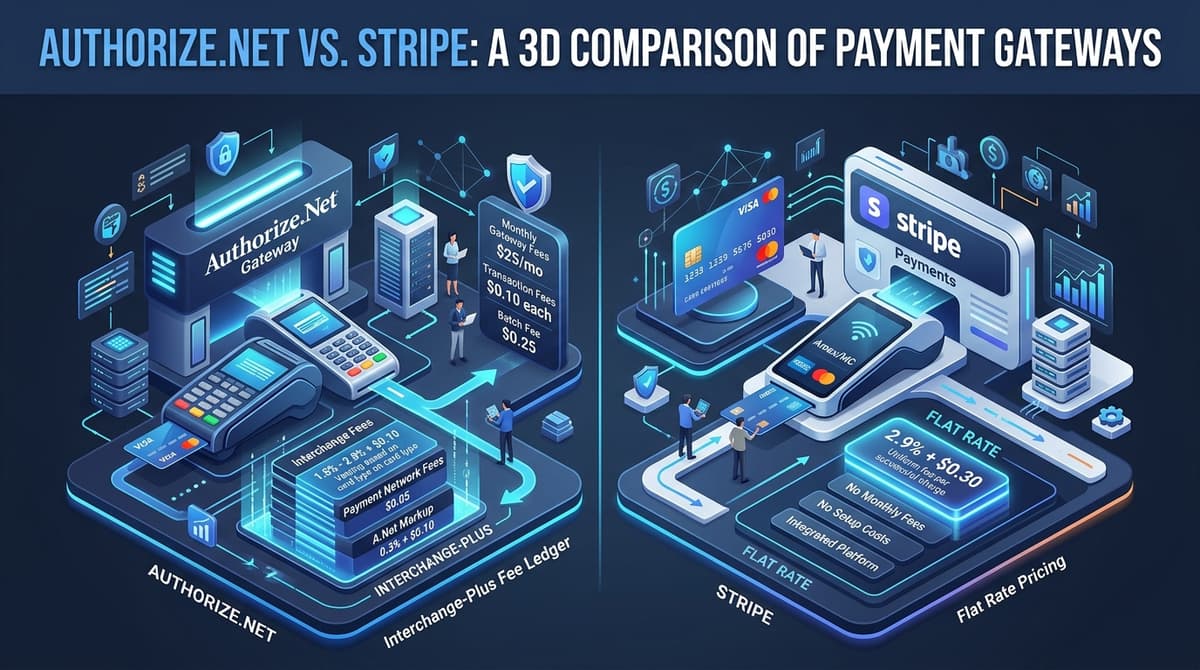
PayPal operates a tiered fee schedule based on the exact checkout rail, domestic vs. international origination, and currency conversion:
| Payment Type / Channel | Percentage Cut | Fixed Fee (USD) | Example on $100 Sale | Net Payout |
|---|---|---|---|---|
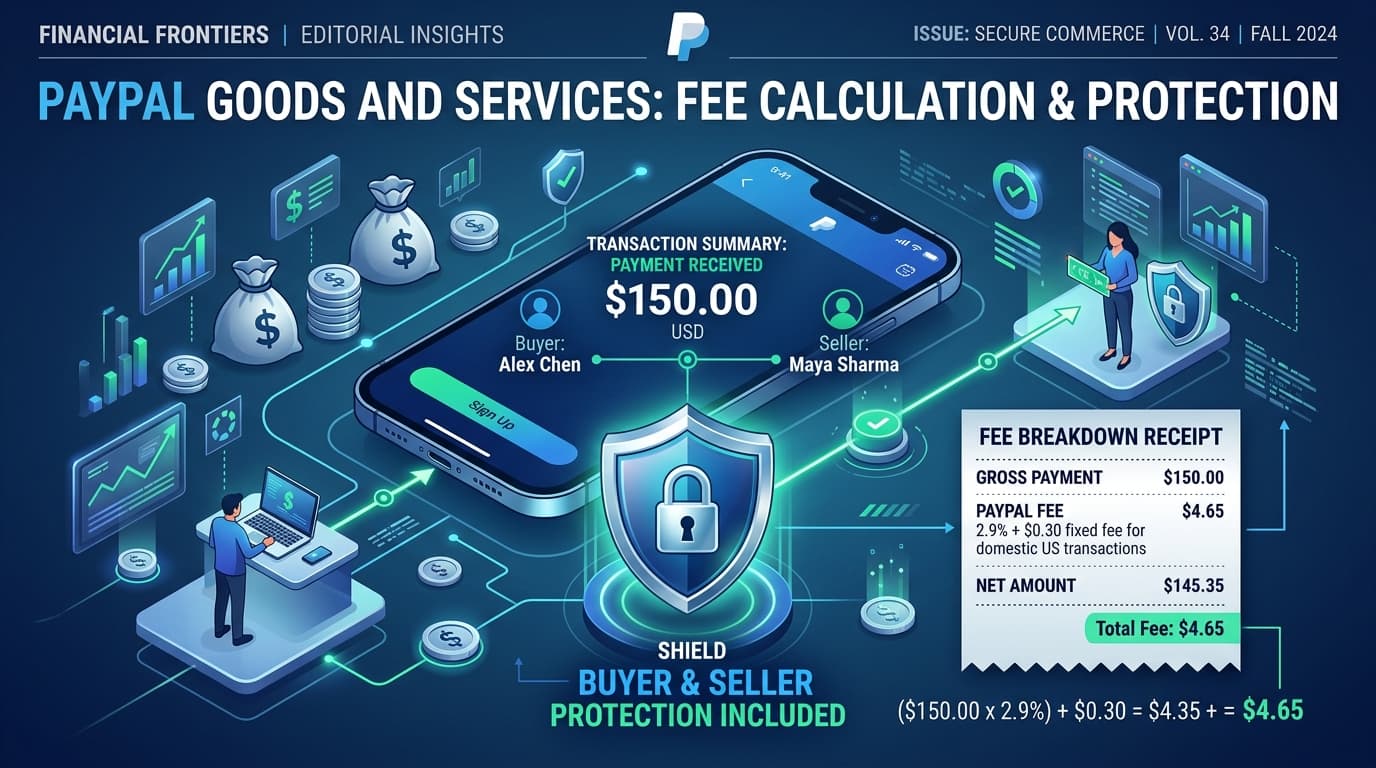
| Standard Goods & Services (P2P) | 2.99% | $0.49 | $3.48 | $96.52 |
| PayPal Invoicing & Digital Requests | 3.49% | $0.49 | $3.98 | $96.02 |
| PayPal Checkout & Guest Payment | 3.49% | $0.49 | $3.98 | $96.02 |
| In-Person QR Code (Above $10) | 1.90% | $0.10 | $2.00 | $98.00 |
| In-Person QR Code ($10 or less) | 2.40% | $0.05 | $0.29 (on $10) | $9.71 |
| International Card Surcharge | +1.50% | Varies | +$1.50 extra | Deducted |
| Charity / 501(c)(3) Nonprofit | 1.99% | $0.49 | $2.48 | $97.52 |
1. Standard Goods & Services (2.99% + $0.49)#
This rate applies when a buyer sends money directly through the PayPal app or desktop website and selects "Paying for an item or service". It is the baseline commercial rate for peer-to-peer transactions.
2. PayPal Invoicing & Website Checkout (3.49% + $0.49)#
If you create an invoice inside your PayPal Business account or integrate PayPal Checkout into an e-commerce platform (like Shopify, WooCommerce, or BigCommerce), PayPal assesses a higher 3.49% + $0.49 fee. The additional 0.50% reflects platform integration tools, automatic payment reminders, and merchant reporting.
3. In-Person QR Code Payments (1.90% + $0.10)#
For craft fairs, farmers markets, and physical pop-up shops, PayPal's QR code payment rail is significantly cheaper than card-not-present rates. Transactions over $10 incur just 1.90% + $0.10, making it more cost-effective than standard Square POS (2.6% + $0.10).
Friends & Family vs. Goods & Services: The Critical Differences#
The debate between PayPal Friends and Family (F&F) and Goods and Services (G&S) is one of the most contentious topics in modern online selling:
| Feature / Protection | Friends & Family (Personal) | Goods & Services (Commercial) |
|---|---|---|
| Processing Fee (Domestic Bank/Balance) | 0.00% (Free) | 2.99% + $0.49 (Paid by seller) |
| PayPal Purchase Protection (Buyer) | NONE (Zero refund recourse) | FULL (Covers non-delivery, damaged goods) |
| PayPal Seller Protection | NONE (Zero unauthorized claim defense) | FULL (Covers chargebacks with tracking) |
| IRS Form 1099-K Reporting | Exempt (Non-taxable personal transfers) | Reported if meeting state/federal thresholds |
| Accepting for Commercial Sales | Strict Terms of Service Violation | Fully Compliant |
Why Using Friends & Family for Sales is Dangerous:#
- Zero Protection Against Scams: If a buyer sends money via F&F and their bank files an unauthorized transaction dispute, PayPal will immediately debit your balance and you have zero appeal rights.
- Account Limitation Risk: PayPal's fraud detection algorithms track high volumes of F&F payments into personal accounts. If flagged, PayPal can place a 180-day freeze on your entire account balance and permanently terminate your access.
- Buyer Distrust: Discerning buyers on Reddit, Discord, and marketplaces consider asking for F&F an immediate red flag for fraud.
The Reverse Gross-Up Formula: Guaranteeing 100% Net Payout#
When quoting a price to a client or marketplace buyer, the most common beginner error is simple percentage addition:
Flawed Addition:
Target Net: $500.00
Add 2.99% ($14.95) + $0.49 = $15.44
Charge Client: $515.44

Actual PayPal Deduction on $515.44:
($515.44 × 0.0299) + $0.49 = $15.41 + $0.49 = $15.90
Your Net Take-Home: $515.44 - $15.90 = $499.54 (Short $0.46)
Because PayPal deducts its percentage from the total received amount, you must use the standard financial gross-up equation:
Gross Charge = (Desired Net Amount + Fixed Fee) ÷ (1 - Percentage Fee Rate)Step-by-Step Calculation for $500 Target Net:#
- Desired Net: $500.00
- Fixed Fee: $0.49
- Fee Rate: 0.0299 (2.99%)
Gross Charge = ($500.00 + $0.49) ÷ (1 - 0.0299)
             = $500.49 ÷ 0.9701
             = $515.92
When the customer sends $515.92:
- PayPal fee:
($515.92 × 0.0299) + $0.49 = $15.43 + $0.49 = $15.92 - Your net deposit:
$515.92 - $15.92 = $500.00(Exact to the cent).
Interactive Live Calculator:#
Test any custom amount or compare alternative payment rails right here:
Live PayPal Goods & Services Calculator Live Tool
Calculate exact gross-up totals and avoid losing 3% to card processors
PayPal Seller Protection: What Is Covered vs. Excluded#
PayPal's Seller Protection is the primary reason sellers accept the 2.99% fee cut. However, coverage is not automatic—you must follow strict protocols to qualify.
What Is Covered:#
- Unauthorized Transactions: When an account owner claims they did not authorize the payment (e.g., stolen account or compromised card).
- Item Not Received (INR) Claims: When a buyer claims their purchased merchandise never arrived.
Mandatory Requirements to Qualify:#
- Ship to the PayPal Transaction Details Address: Never ship to an address sent via private message, email, or text. If the buyer requests an address change, refund the transaction completely and have them re-order with the correct address.
- Provide Online Proof of Delivery: You must upload verifiable tracking from USPS, UPS, FedEx, or DHL that shows a status of "Delivered" with the recipient's city/state or zip code.
- Signature Confirmation for High-Value Orders: For shipments valued at $750 or more (including taxes and shipping), you must obtain physical or electronic signature confirmation. Without signature tracking, PayPal will automatically rule in the buyer's favor on INR disputes.
What Is NOT Covered (Exclusions):#
- Digital Goods without Technical Delivery Proof: Software licenses, virtual currencies, and game keys are frequently disputed and harder to defend under standard seller protection.
- In-Person Hand-Offs: If you meet a buyer in person to hand over a physical item paid via Goods & Services, you have no postal tracking proof. A dishonest buyer can claim "Item Not Received" and win 100% of the time. Use cash or PayPal QR codes for in-person sales.
- Vehicles and Real Estate: Motorized vehicles, aircraft, boats, and real estate are explicitly excluded from PayPal protection policies.
2026 IRS Form 1099-K Rules for PayPal Goods & Services#
One of the largest points of confusion for online sellers is how PayPal reports transactions to the Internal Revenue Service (IRS).
The Current Thresholds:#
- Federal Transition Threshold: Under IRS Notice 2023-74 and current phase-in schedules, the federal reporting threshold for third-party settlement organizations (including PayPal, Venmo, Stripe, and Cash App) is $5,000 in gross commercial payments for the tax year.
- Individual State Lower Limits: Several states enforce much lower reporting limits regardless of federal phase-ins:
- $600 Threshold: Massachusetts, Maryland, Vermont, Virginia.
- $1,000 / $2,500 Thresholds: Illinois, New Jersey, Arkansas.
- Personal Payments Are Untaxed: Transfers classified as Friends and Family are not commercial transactions and are never reported on Form 1099-K.
Tax Reality Check: Receiving a 1099-K does not mean you owe tax on the entire amount. You only pay income tax on your net profit (Gross Revenue minus Cost of Goods Sold, packaging, shipping, and PayPal processing fees). Always keep detailed expense receipts.
How to Reduce PayPal Fees in Your Business#
If your business processes more than $3,000 to $5,000 each month through PayPal, fees add up quickly. Here are four practical ways to minimize fee drag:
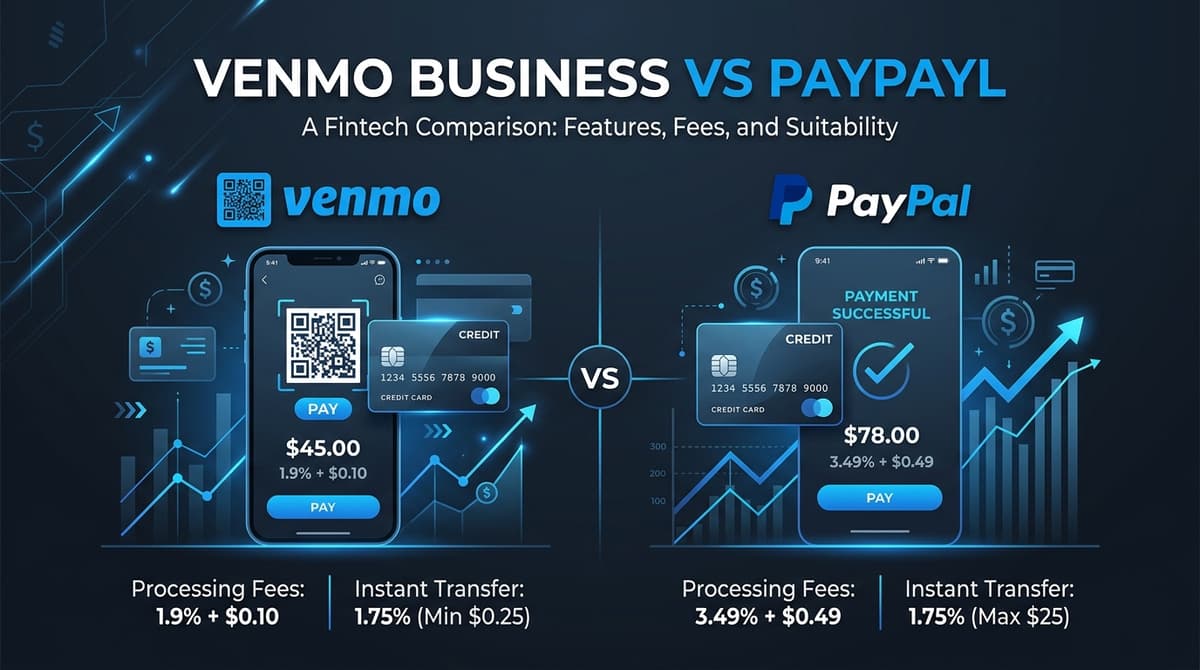
- Offer Bank Transfers (ACH) for High-Ticket Sales: On a $3,000 B2B invoice, PayPal takes $105.19 (3.49% + $0.49). An ACH transfer through Stripe or Wise costs $5.00 flat, saving you over $100 on a single transaction.
- Bake Fees into List Prices: Rather than surprising customers with extra fees, adjust your catalog prices upward by 3.0% to build processing friction into your gross margins.
- Use PayPal QR Codes for Local Sales: When selling locally, ditch the card terminal and have buyers scan your PayPal QR code to pay 1.90% + $0.10 instead of the 2.99% to 3.49% online checkout rate.
- Deduct Processing Fees on Schedule C: Every dollar PayPal deducts in transaction fees is a 100% tax-deductible business operating expense (Part II, Line 10: "Commissions and fees" or Line 27a: "Other expenses").
Summary Checklist for PayPal Sellers in 2026#
Before accepting commercial payments:
- Calculate the Gross-Up: Use the
(Net + $0.49) / 0.9701formula to invoice clients accurately. - Ship with Tracking: Always ship to the official PayPal transaction address within your stated handling window.
- Get Signatures on $750+: Require signature confirmation on all packages valued at $750 or above to maintain Seller Protection.
- Never Use F&F for Commercial Sales: Protect your business from fraudulent chargebacks and avoid account suspension.
- Audit All Payment Gateways: Benchmark your true processing costs using FeeKit's Gateway Comparator and generate professional invoices with our Free Invoice Generator.
Common Inquiries & Regulations
What is the PayPal Goods and Services fee in 2026?
In the United States, the standard PayPal Goods and Services fee for domestic commercial transactions is 2.99% plus a $0.49 fixed fee per transaction. If you send an electronic PayPal Invoice or accept payments via PayPal Checkout on a website, the rate increases to 3.49% plus $0.49.
Who pays the PayPal Goods and Services fee: buyer or seller?
By default, the seller (recipient) pays the PayPal Goods and Services fee. When a buyer sends $100.00 for an item, PayPal automatically deducts 2.99% + $0.49 ($3.48), depositing $96.52 into the seller's account. Buyers pay zero transaction fees when purchasing domestically using their PayPal balance or linked bank account.
Can a seller ask a buyer to use PayPal Friends and Family to avoid fees?
No. Requesting or accepting Friends and Family for commercial goods, client freelance services, or marketplace sales directly violates PayPal's User Agreement. Doing so eliminates all Buyer and Seller Protection, and repeated violations frequently trigger permanent account limitations and forfeiture of merchant funds.
What is the PayPal 1099-K tax threshold for Goods and Services?
Under IRS Notice 2023-74 and current phase-in guidelines, PayPal reports gross commercial Goods and Services payments on Form 1099-K once gross sales exceed $5,000 for the tax year (with individual states like Massachusetts, Vermont, Maryland, and Virginia having lower $600 thresholds). Personal Friends and Family transfers are not reported on 1099-K.
How do I calculate what to charge so I receive an exact net amount on PayPal?
To receive an exact net amount on PayPal Goods and Services, use the gross-up formula: Gross Charge = (Desired Net + $0.49) / (1 - 0.0299). For example, to net exactly $500.00, invoice ($500 + $0.49) / 0.9701 = $515.92.
Test These Numbers With Your Exact Transaction Data
Don't guess your margins. Use FeeKit's free, client-side financial precision tools to model your exact gross revenue, deductions, and tax compliance: